Image Print Readiness Check
Calculate whether image dimensions supply enough pixels for a paper size, margins and target print density.
Drop your image here
Drag and drop, or choose a file below
JPG · PNG · WEBP
Up to 250 MB · One image at a time
Each image: up to 16 megapixels and 8192 px per side
This assesses pixel quantity, not focus, sharpness, printer quality, bleed or color accuracy. Ppi describes image pixels; printer dot dpi is a different quantity. Transparent pixels count toward dimensions and are reported separately. No pixels or metadata are changed, and upscaling cannot restore missing detail.
Original
Choose an image or try the sample to see your preview here.
100% local processing
How to use
- 01
Choose an image or try the local sample.
- 02
Choose 4×6, A4, Letter or custom millimeters, swap orientation if needed, then set margins, placement and target ppi. Custom width and height apply only to Custom.
- 03
Review the result and download the file.
Try a reproducible example
1200 ÷ 4 = 300 and 1800 ÷ 6 = 300: this input provides 300 pixels per inch at 4 × 6 inches, with no crop or margin. Pixel sufficiency is a size calculation, not a sharpness or print-color guarantee.
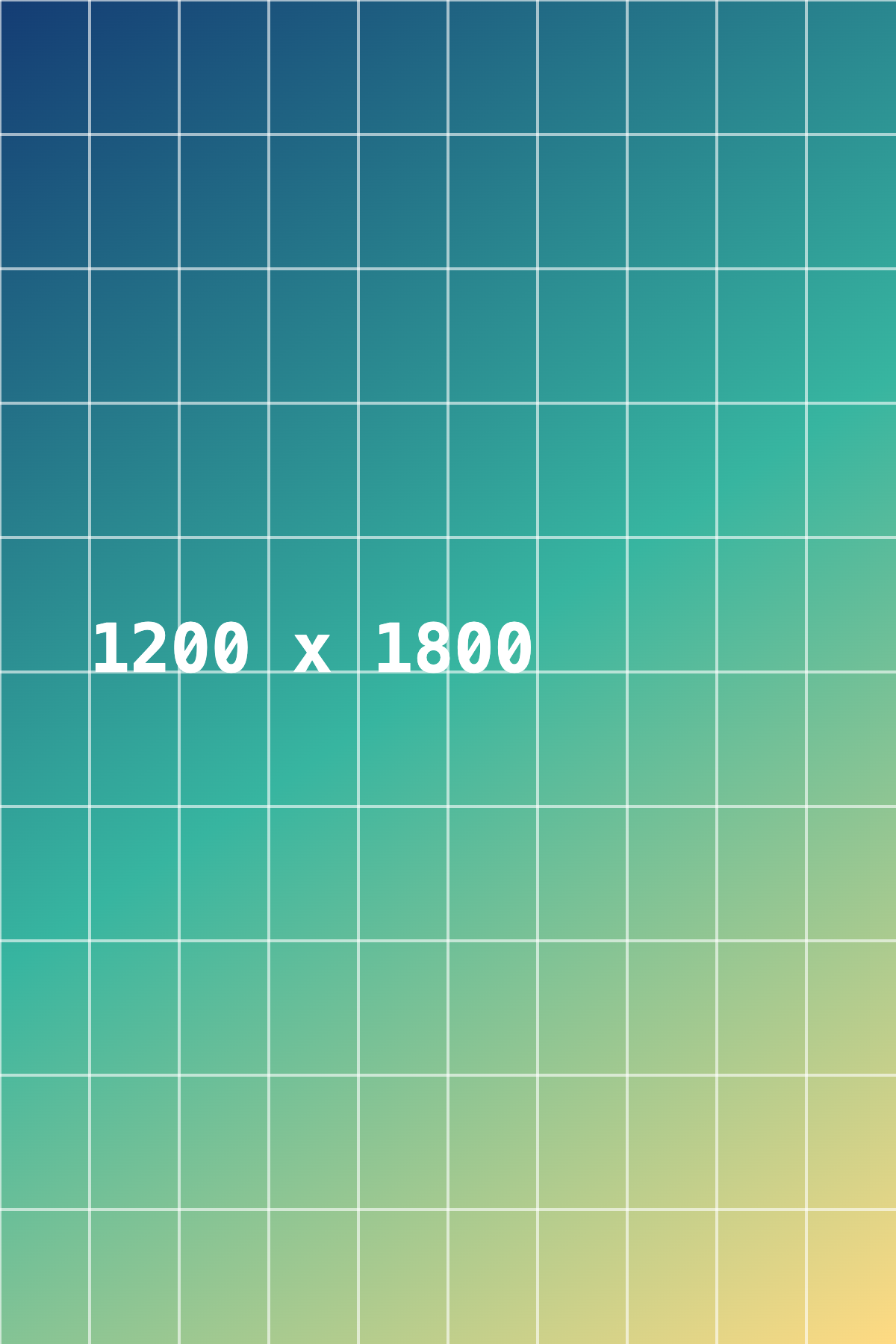
1200 × 1800 px · 2,064,000 bytes
Download this file ↓- Effective pixel density (ppi)
- 300
- Required full-image width (px)
- 1,200
- Required full-image height (px)
- 1,800
- Pixel-count assessment
- Enough pixels for the target density
- Image area outside the frame (%)
- 0
- Pixels with alpha below 255
- 0
Processing settings
- Paper or target size
- Photo 4 × 6 in
- Orientation
- Use entered width and height
- Margin on each side (mm)
- 0
- Target pixel density (ppi)
- 300
- Placement
- Fit entire image
Created by Picvelio on 12 November 2026 from original synthetic artwork using the same code as the tools. Download the input, open the saved settings, then choose that file. File sizes are measured bytes; results with other inputs or browsers can differ.
Open these settings →Details and tips
How it works
The usable frame subtracts a margin from each side. Fit uses the smaller scale to keep the entire image; Fill uses the larger scale and reports the cropped area. Effective ppi equals pixel width divided by placed width in inches. For example, 1200×1800 pixels at 4×6 inches gives 300 ppi.
Made for everyday images
Check a photo before ordering a print or compare a full-image layout with a cropped fill. Use your print provider’s density, bleed, background and color-profile requirements; inspect the source at full size separately.
Frequently asked questions
Are images uploaded?
No. Processing, previews and downloads stay on your device.
What are the limits?
JPG, PNG and WebP, up to 250 MB, 8192 pixels per side and 16 million pixels. Expanded output must also fit these limits. Animation uses one still frame.